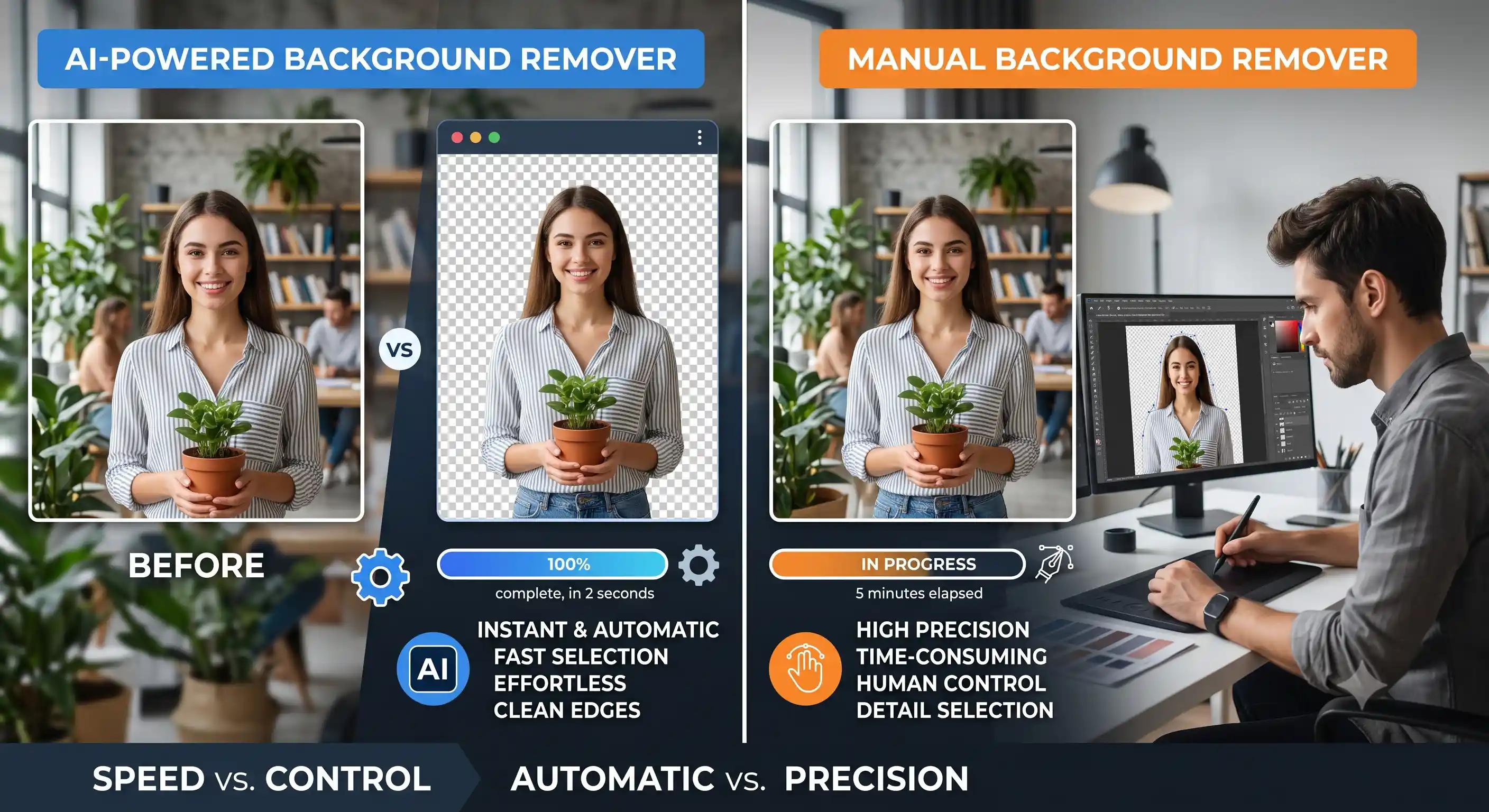
When running an e-commerce store, the quality of your product images directly impacts your conversion rates. A clean, distraction-free background helps customers focus entirely on the product, leading to better engagement and higher sales. Studies across major e-commerce platforms show that professional product images can increase conversion rates by up to 40%, while products with clean backgrounds sell 30% faster than those with distracting or cluttered environments.
📘 Info
The Impact of Professional Product Images
- Products with clean backgrounds sell 30% faster than those with distracting backgrounds
- 75% of online shoppers judge product credibility based on image quality
- Consistent image presentation across a catalog increases brand trust by 52%
- Product returns decrease by 22% when items are shown with clear, accurate backgrounds
Lighting and Setup Best Practices
The AI background removal works best when there is clear contrast between the subject and the background. Proper setup before capture dramatically improves results and reduces the need for manual touch-ups. Here are essential lighting and environment guidelines:
Ideal Lighting Setup
- Use diffused lighting with softboxes to eliminate harsh shadows and specular highlights
- Place lights at 45-degree angles from the product for even illumination
- Maintain consistent color temperature around 5500K (daylight balanced)
- Avoid mixed lighting sources that create uneven color casts on the subject
Background Selection
- Use contrasting colors - a white product on gray background, dark product on light background
- Avoid patterned or textured backdrops that confuse edge detection algorithms
- Keep at least 3 feet distance between product and backdrop to create natural depth separation
- Use a solid colored seamless paper backdrop for consistent results across your product line
Professional Background Removal Techniques
- Start with high-resolution images - Minimum 2000px on the longest side. AI segmentation models work significantly better with more pixel data available to analyze edges and fine details. Low-resolution images produce jagged or inaccurate cutouts.
- Ensure proper subject isolation - The product should occupy at least 60% of the frame. Too much empty space around the subject can confuse the AI, causing it to incorrectly include background elements or miss the subject boundaries entirely.
- Handle edges carefully - Complex edges like fur, hair, lace, or intricate product details require AI models trained specifically for these scenarios. Our tool uses advanced deep learning models optimized for superior edge detection across diverse subject types.
- Check transparency preservation - After removal, verify that semi-transparent elements like glass bottles, water droplets, or sheer fabrics maintain their natural translucency. These are the most challenging elements for any background removal tool.
- Review at 100% zoom - Always zoom in to 100% on your processed image to check for halo artifacts, fringe pixels, or accidental cutouts before publishing the final image.
✅ Good to Know
Pro Tip: Batch Processing Strategy
For e-commerce stores with hundreds of products, create a standardized photography setup. Consistent lighting, positioning, and backgrounds across all products ensure that AI background removal works uniformly, dramatically reducing the need for manual corrections. A well-planned setup can process 200+ products per hour with minimal human intervention.
Efficient Workflow for Bulk Processing
To scale your product image processing efficiently, establish a repeatable workflow:
- Set up a dedicated photography station with fixed lighting positions and marked product placement guides
- Use a consistent color backdrop across your entire product line (medium gray is a universal choice)
- Shoot all products with the same camera settings: aperture f/8 for sharpness, ISO 100 for low noise, and a fast shutter speed to eliminate camera shake
- Process images in batches using our AI tool which has no rate limits or file size restrictions
- Create a quality control checklist: check edge accuracy, transparency, color fidelity, and resolution
Common Mistakes and How to Fix Them
| Mistake | Cause | Solution |
|---|---|---|
| Ragged edges | Low contrast between subject and background | Use contrasting colored backdrop; light subject on dark background or vice versa |
| Missing product parts | Subject color too similar to background color | Adjust lighting angle or change backdrop color to increase separation |
| Background bleed-through | Thin or translucent objects | Use solid backlighting behind product to create stronger silhouette |
| Color cast on edges | Background color reflecting onto product | Increase distance between product and backdrop |
Conclusion
Mastering background removal for e-commerce is about combining good photography practices with modern AI tools. By following the lighting techniques, edge handling strategies, and batch processing workflows outlined here, you can create a consistent, professional product image catalog that drives conversions and builds customer trust. Our free AI background remover processes everything in your browser with no uploads, no limits, and no signup required.
Ready to Transform Your Product Images?
Use our free AI Background Remover to create professional product images instantly - no uploads required, 100% private.
Remove Background Now