
1. How Modern ATS Algorithms Work in 2026
An Applicant Tracking System (ATS) is automated recruiting software deployed by over 98% of Fortune 500 corporations and approximately 70% of growing mid-sized enterprises. Contrary to popular myth, an ATS doesn't simply "shred" resumes; it functions as an ingestion database and semantic parsing engine.
When you submit your application online, the software strips away graphics, columns, and stylistic formatting, converting your document into plain text JSON or XML entities. It extracts your employment dates, company names, job titles, education credentials, and specific skill competencies into discrete database fields.
📊 Real ATS Benchmarks & Screening Reality
- • Average Applicants: A standard corporate job posting receives between 250 to 500 applications within 72 hours.
- • Automated Rejection: Approximately 75% of resumes fail automated keyword thresholds or trigger parsing corruptions before reaching a human recruiter.
- • Human Recruiter Scan: If your resume passes the automated filter, human recruiters spend an average of 6.4 to 7.1 seconds conducting the initial visual review.
- • AI Semantic Matching (2026): Modern ATS algorithms now evaluate contextual semantic relevance (latent semantic indexing) rather than crude exact-word count repetition.
2. The Big 4 ATS Systems: Workday, Greenhouse, Lever & Taleo
Different enterprise recruiting suites use distinct parsing engines. Knowing which platform the employer utilizes gives you an immediate competitive edge:
| ATS Platform | Typical Employers | Parsing Architecture | Critical Vulnerability |
|---|---|---|---|
| Workday | Fortune 500, Banks, Healthcare conglomerates | Strict entity extraction | Often scrambles text boxes and complex multi-column layouts |
| Greenhouse | High-growth tech unicorns, SaaS startups, FinTech | Modern semantic scoring | Heavy weight on candidate scorecard criteria and skill tag matching |
| Lever | Venture-backed startups, digital agencies | Pipeline-centric search | Relies heavily on recruiter boolean queries across experience titles |
| Oracle Taleo | Legacy enterprises, government, defense contractors | Traditional keyword percentage | Cannot parse graphic charts or non-standard fonts; rejects non-standard section headers |
3. The 7 Golden Formatting Rules for Flawless Parsing
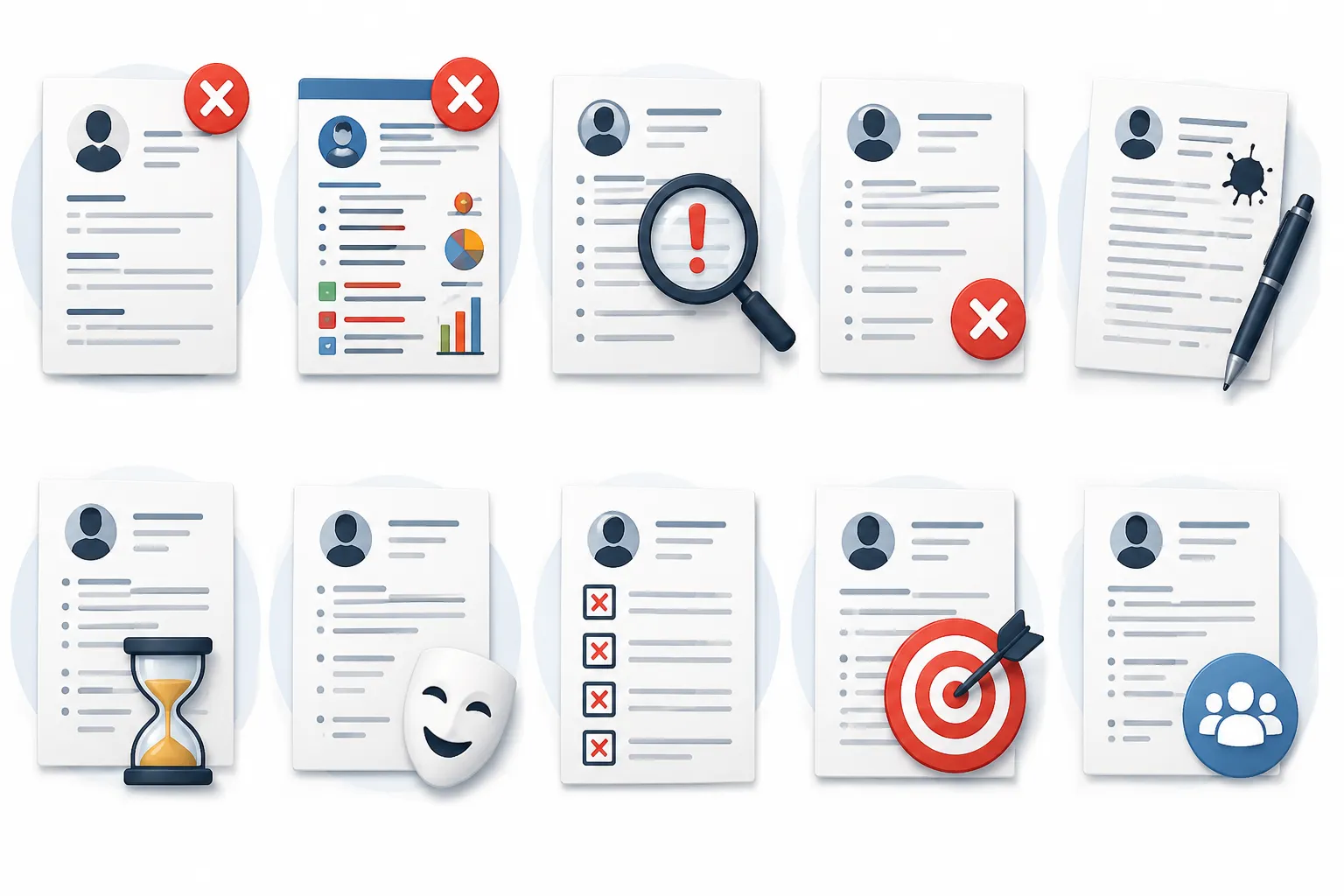
If the software's parser fails to read your file correctly, you will be rejected automatically regardless of your technical qualifications. Adhere strictly to these core rules:
Rule 1: Stick to a Single-Column Layout
Multi-column layouts (popular in Canva or graphic templates) cause the parser to read horizontally across both columns simultaneously. Your job title merges with your side-column hobbies into a garbled string.
Rule 2: Never Put Contact Info in Document Headers/Footers
Older parsing engines discard Microsoft Word and PDF headers and footers to save memory. Put your phone number, email address, LinkedIn URL, and city at the very top of the body text.
Rule 3: Use Standard Universal Headings
Do not invent poetic headings like "Where I've Made Impact" or "Knowledge Toolkit". Use: Work Experience, Education, Skills, Certifications, and Professional Summary.
Rule 4: Avoid Graphics, Skill Rating Bars & Profile Photos
Rating your skill "Python: 4 out of 5 stars" or inserting a progress bar yields zero text for the parser. Photos trigger equal-opportunity compliance liabilities in the US, UK, and India, and are discarded.
Rule 5: Select Universal System Typography
Use standard fonts: Calibri, Arial, Helvetica, Georgia, Garamond, or Times New Roman (10pt–12pt body, 14pt–16pt headings). Custom web fonts frequently render as gibberish glyphs in PDF conversions.
4. Semantic Keyword Optimization & Acronym Matching
Keyword matching is the primary engine behind ATS rank-ordering. However, modern 2026 systems recognize both acronyms and full nomenclature. You should explicitly include both forms:
💡 Dual-Keyword Inclusion Technique
- • Write:
Search Engine Optimization (SEO)instead of just "SEO" or just "Search Engine Optimization". - • Write:
Amazon Web Services (AWS)andGoogle Cloud Platform (GCP). - • Write:
Certified Public Accountant (CPA). - • Write:
Continuous Integration & Continuous Deployment (CI/CD).
Never attempt "white text" keyword stuffing (hiding invisible keywords in white font at the bottom of the page). Modern ATS parsers strip styling and reveal the invisible block immediately, resulting in automated blacklisting of your profile.
5. The Google XYZ Formula: 5 Before-and-After Bullet Transformations
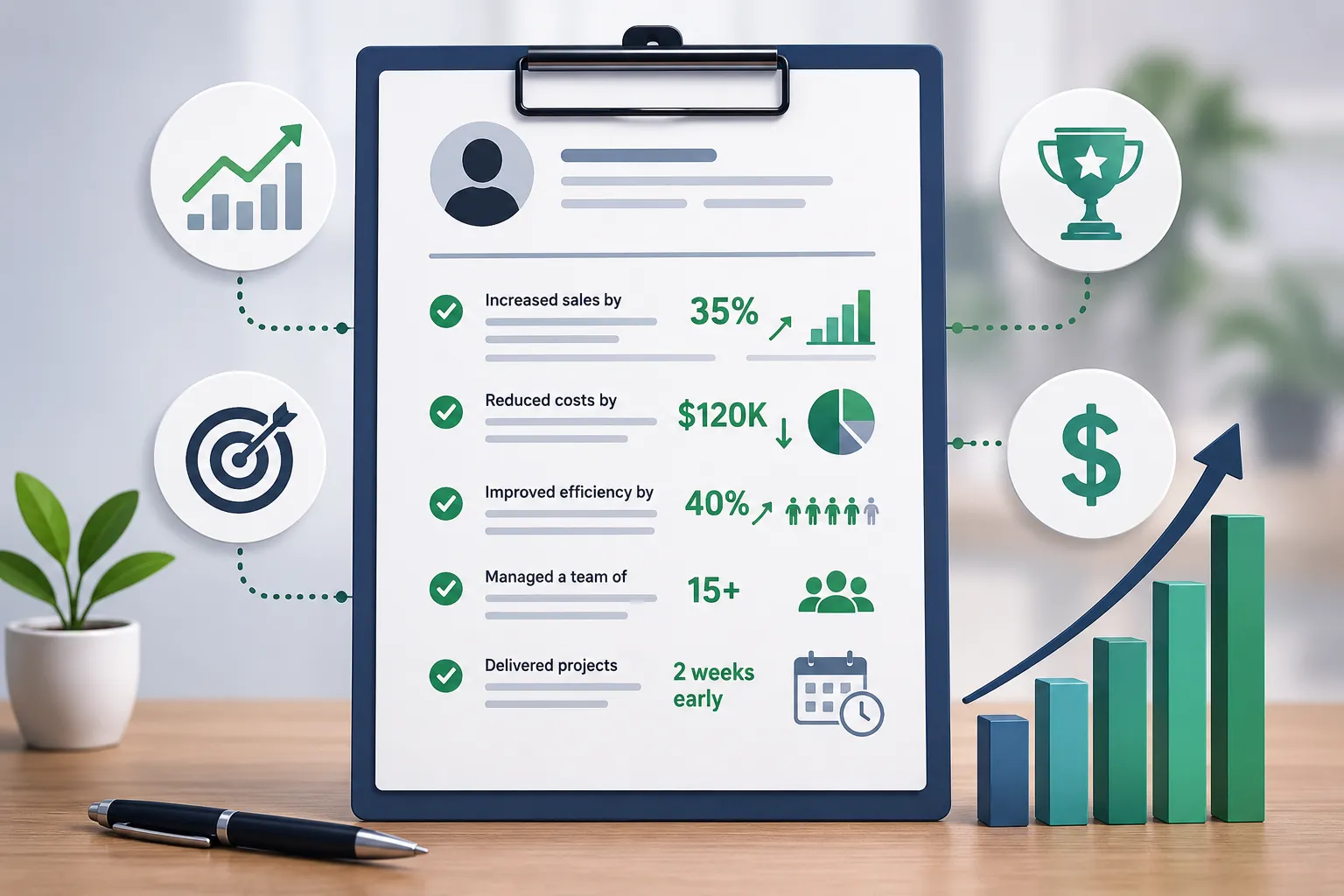
Former Google SVP of People Operations Laszlo Bock established the gold standard for executive and engineering bullet points: "Accomplished [X], as measured by [Y], by doing [Z]".
❌ Weak / Passive (AI Generic):
"Responsible for managing social media accounts and increasing engagement."
✅ Optimized Google XYZ Bullet:
"Grew organic LinkedIn audience by 140% (25,000+ followers) and drove $180,000 in inbound pipeline by developing an employee advocacy campaign and bi-weekly industry survey reports."
❌ Weak / Passive (AI Generic):
"Worked on the backend database and fixed performance issues."
✅ Optimized Google XYZ Bullet:
"Reduced database query latency by 42% (from 480ms to 278ms) for 1.2M daily active users by refactoring PostgreSQL indexes and introducing Redis distributed caching."
6. PDF vs DOCX: Which Format Does the Algorithm Prefer?
In 2026, cleanly formatted PDF files are acceptable for 95% of modern ATS platforms (Workday, Greenhouse, Lever). However, there is one crucial caveat:
When to Use PDF:
When applying through modern platforms (Greenhouse, Lever) or emailing recruiters directly. PDF guarantees your visual layout, margins, and line breaks remain intact across all operating systems.
When to Use DOCX:
When applying through older enterprise portals (older Taleo installations) or when explicitly requested by government/staffing agencies. If in doubt and the application specifies no preference, DOCX has the absolute lowest failure rate on legacy parsers.
7. The Universal 100% Parsable Resume Template
Below is the exact text architecture engineered to achieve 100/100 parsing efficiency across every major enterprise ATS engine:
[FIRST NAME] [LAST NAME]
[City, State / Country] | [+1 (555) 019-2834] | [email@domain.com] | [linkedin.com/in/profile]

PROFESSIONAL SUMMARY
Results-driven [Job Title] with [X]+ years of experience spearheading [Domain/Function]. Demonstrated track record in [Key Achievement 1] and [Key Achievement 2]. Expert in [Core Tool 1], [Core Tool 2], and cross-functional team leadership.

CORE COMPETENCIES & SKILLS
• Technical Skills: Python, SQL, PostgreSQL, Docker, AWS (EC2, S3), Git, CI/CD pipelines
• Domain Expertise: Data Engineering, ETL Pipeline Architecture, API Design, Agile/Scrum
• Methodologies: System Scalability, Unit Testing, Incident Management, Cost Optimization

PROFESSIONAL EXPERIENCE

[Company Name] — [City, State]
[Senior Job Title] | [Month, Year] – Present
• Speared [Initiative] which increased [Metric] by [X]% within [Timeframe], generating [$X] in incremental revenue.
• Reduced operational bottlenecks by [X]% by re-architecting [Process/Tool] alongside a cross-functional team of 6 engineers.
• Mentored 4 junior analysts in [Skill] and established team-wide code review standards.

[Previous Company Name] — [City, State]
[Job Title] | [Month, Year] – [Month, Year]
• Delivered [Project Name] on-time and 12% under budget, serving [X] active enterprise clients.
• Automated weekly reporting workflow using Python scripts, saving 8 manual labor hours per team member each week.

EDUCATION
Bachelor of Science in Computer Science | [University Name], [Graduation Year]
• Academic Honors / Relevant Coursework: Distributed Systems, Database Management, Algorithms

CERTIFICATIONS
• AWS Certified Solutions Architect – Associate (2025)
• Scrum Alliance Certified ScrumMaster (CSM)
8. The 15-Point Pre-Submission ATS Checklist
FirstName-LastName-Resume.pdf
Month Year (e.g. June 2023)
9. Frequently Asked Questions by Job Seekers
Q: Does the ATS automatically assign my resume a percentage score?
Yes, most modern platforms (like Taleo and Greenhouse) assign a candidate match percentage based on how many required and preferred job qualifications appear in your parsed profile. Recruiters frequently filter to inspect candidates scoring 80% or above first.
Q: How can I verify that my PDF is actually readable by parsers?
Open your PDF in Adobe Reader or Chrome, press Ctrl+A (or Cmd+A) to select all text, copy it, and paste it into Windows Notepad. If the pasted text appears in logical order with proper spacing, the parser can read it. If characters are missing or jumbled, your PDF is unparsable.
Build Your ATS-Optimized Resume in Minutes
Generate a recruiter-approved, single-column, 100% parsable resume tailored to your target job description with DailyTool's free AI Resume Builder.
🚀 Launch Free AI Resume Builder →