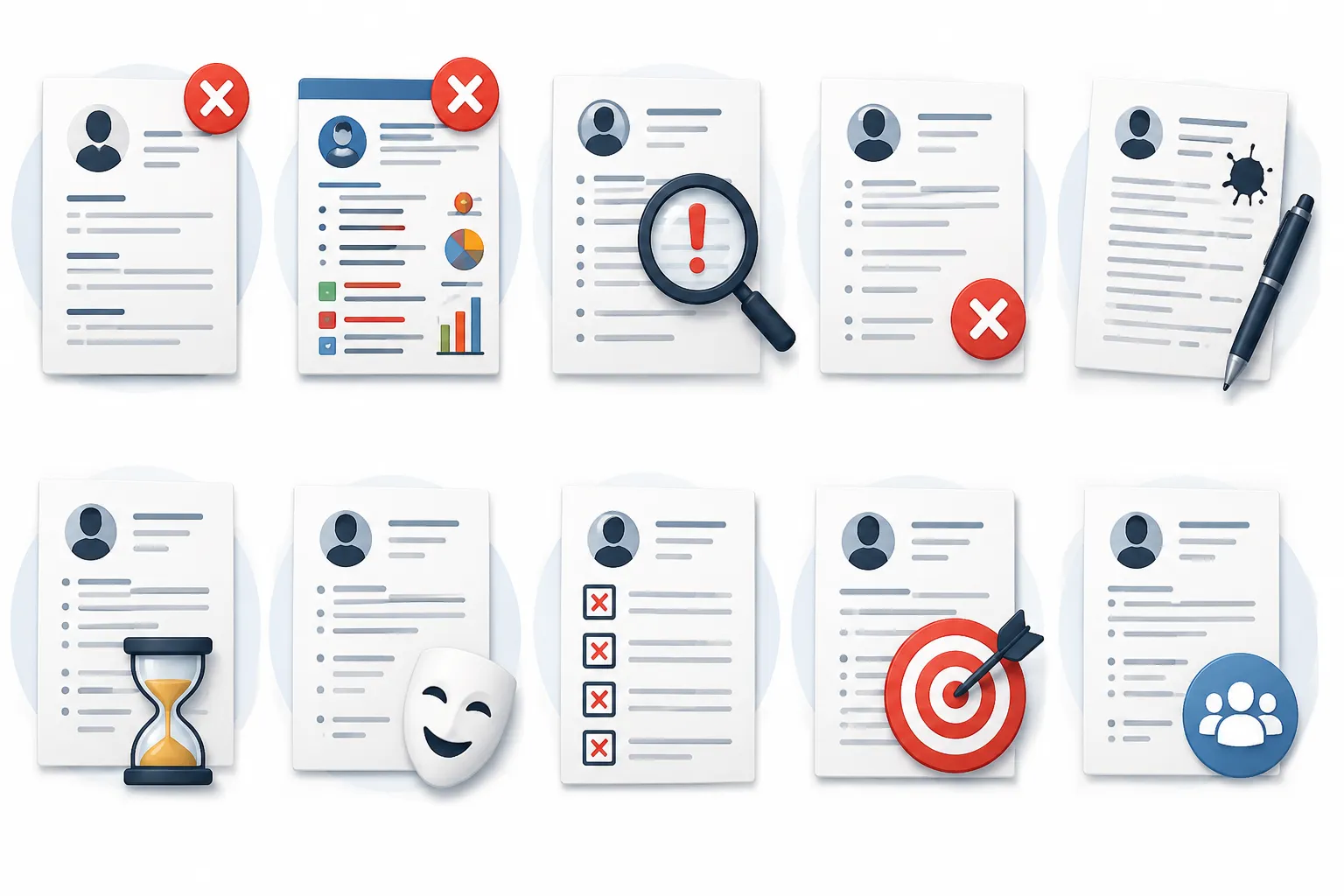
Top 5 Critical Formatting Mistakes
First impressions matter. If your resume is hard to read, unorganized, or layout-broken, recruiters will skip it within seconds. Avoid these 5 common layout mistakes:
1. Typos and Grammatical Slips
Spelling mistakes are immediate dealbreakers. They suggest a lack of attention to detail. Always proofread your resume and check with grammar checkers before saving.
2. Two-Page Overflows
If your resume runs onto a second page by just 2 or 3 lines, it looks unpolished. Keep margins tight and compact your spacing to ensure all details fit neatly on exactly one page, or compile a full two-page layout if you have 10+ years of experience.
3. Over-designed and Colorful Graphics
Using skill meters, visual rating stars, logos, or photo frames can look unprofessional and interfere with applicant tracking systems. Stick to clean, simple lines, and elegant purple/pink or dark accents.
4. Hard-to-Read Fonts
Using decorative or custom fonts makes the page layout difficult to scan. Stick to popular corporate-friendly web fonts such as Inter, Roboto, Arial, or Merriweather.
5. Inconsistent Margins
Having different left and right padding or inconsistent bullet indentations makes the document look chaotic. Use a professional template builder to enforce structural alignment automatically.
Top 5 Common Content Pitfalls
Even a beautifully styled resume will fail if the text content doesn't capture your accomplishments. Avoid these content traps:
6. Listing Responsibilities Instead of Achievements
Recruiters know what a manager does. They want to know what you did. Instead of writing "Responsible for managing files," write "Implemented a cloud filing system that reduced file access times by 40%."
7. Weak Objective Statements
Avoid saying "Seeking a challenging role in an expanding company." This is self-centered and generic. Instead, write a 3-line Professional Summary showing how your skills will solve the employer's problems.
💡 Pro Tip:
Your summary should act as an elevator pitch. Briefly describe your experience, call out your biggest area of expertise, and state a quantifiable success record.
8. Irrelevant Work Experience
Including your part-time summer job from college is unnecessary if you are applying for a senior engineering position. Focus only on relevant work history from the past 10-15 years.
9. Unprofessional Email Addresses
Never apply for jobs using email addresses like "coolguy1992@gmail.com". Use a professional, standard format like "firstname.lastname@gmail.com" or a custom domain email address.
10. Leaving Out Contact Info
Ensure that your phone number, email address, LinkedIn URL, and location are visible at the very top. You'd be surprised how many candidates forget to include their phone numbers!
Pre-Submission Actionable Checklist
Before hitting that apply button, tick off these requirements:
- ✅ Standard layout with consistent margins and styling
- ✅ Clear, standard section headings (Experience, Education, Skills)
- ✅ Spelling check completed and verified by at least one other person
- ✅ PDF file is readable and saved with a professional filename (e.g. Firstname_Lastname_Resume.pdf)