Why App Icon Sizes Matter
App icons are the first thing users see. They appear on home screens, in app stores, in settings, and in notifications. Each platform and each placement requires specific icon sizes. Using wrong sizes leads to blurry icons, rejected app submissions, and poor user experience.
📊 App Icon Statistics 2025
iOS App Icon Sizes (iPhone, iPad, App Store)
Apple requires multiple icon sizes for different purposes across iOS devices. iOS automatically applies rounded corners - provide square images only.
| Purpose | Size (px) | Filename Convention | Devices |
|---|---|---|---|
| App Store | 1024 x 1024 | iTunesArtwork@2x | App Store listing |
| iPhone App (60pt) | 120 x 120 (@2x) 180 x 180 (@3x) | Icon-60@2x.png Icon-60@3x.png | iPhone home screen |
| iPad App (76pt) | 76 x 76 152 x 152 (@2x) | Icon-76.png Icon-76@2x.png | iPad home screen |
| iPad Pro (83.5pt) | 167 x 167 (@2x) | Icon-83.5@2x.png | iPad Pro home screen |
| Settings | 58 x 58 (@2x) 87 x 87 (@3x) | Icon-Small@2x.png Icon-Small@3x.png | Settings app |
| Notifications | 40 x 40 (@2x) 60 x 60 (@3x) | Icon-40@2x.png Icon-40@3x.png | Notification center |
| Spotlight Search | 80 x 80 (@2x) 120 x 120 (@3x) | Icon-80@2x.png Icon-80@3x.png | Spotlight results |
| Message App | 54 x 54 (@2x) 81 x 81 (@3x) | iMessage-60@2x.png iMessage-60@3x.png | iMessage stickers |
💡 iOS Icon Pro Tip
Apple automatically applies rounded corners, drop shadows, and gloss effects. Never pre-round your icon corners. Provide square PNG images with no transparency. The system will mask them correctly.
iOS 18+ New Icon Sizes & Features
iOS 18 introduced new icon customization features including tinted icons and dark mode icons.
Dark Mode Icons
iOS 18 supports alternate icons that appear in dark mode. Provide a lighter/alternative version for dark backgrounds.
Size: Same as standard icons (120, 180px)
Tinted Icons
Users can apply tint colors to home screen icons. Design monochrome template versions for best results.
Format: Template images with transparency
Android Adaptive Icon Sizes (Modern)
Android 8.0+ uses adaptive icons that display different shapes based on device manufacturer. You need foreground and background layers.
| Density | Foreground/BG Size | Scale Factor | Devices |
|---|---|---|---|
| mdpi | 108 x 108 px | 1x | Low density phones |
| hdpi | 162 x 162 px | 1.5x | Medium density |
| xhdpi | 216 x 216 px | 2x | High density |
| xxhdpi | 324 x 324 px | 3x | Very high density |
| xxxhdpi | 432 x 432 px | 4x | Ultra high density |
Adaptive Icon Key Requirements
- Foreground Layer: Your icon artwork (108-432px depending on density)
- Background Layer: Solid color or gradient behind the foreground
- Safe Zone: Keep important content within inner 66% (72px on 108px base)
- Format: Vector drawable (XML) or PNG
- Transparency: Use transparency for foreground, solid for background
🤖 Android Adaptive Icon Pro Tip
Design your icon in a 108x108 box with a 72x72 safe zone in the center. Google Play requires adaptive icons for all new apps. Your icon will be displayed in circles, squares, squircles, or teardrops based on the device manufacturer.
Android Legacy Icon Sizes (Pre-8.0)
For backward compatibility, you should still provide legacy icon sizes for older Android versions.
| Density | Legacy Size | Folder Name |
|---|---|---|
| ldpi | 36 x 36 px | drawable-ldpi |
| mdpi | 48 x 48 px | drawable-mdpi |
| hdpi | 72 x 72 px | drawable-hdpi |
| xhdpi | 96 x 96 px | drawable-xhdpi |
| xxhdpi | 144 x 144 px | drawable-xxhdpi |
| xxxhdpi | 192 x 192 px | drawable-xxxhdpi |
macOS App Icon Sizes
macOS apps use .icns files containing multiple resolutions. Here are the required sizes:
| Resolution | Size (@1x) | Size (@2x) |
|---|---|---|
| 16x16 | 16 x 16 px | 32 x 32 px |
| 32x32 | 32 x 32 px | 64 x 64 px |
| 128x128 | 128 x 128 px | 256 x 256 px |
| 256x256 | 256 x 256 px | 512 x 512 px |
| 512x512 | 512 x 512 px | 1024 x 1024 px |
Web Favicon & PWA Icon Sizes
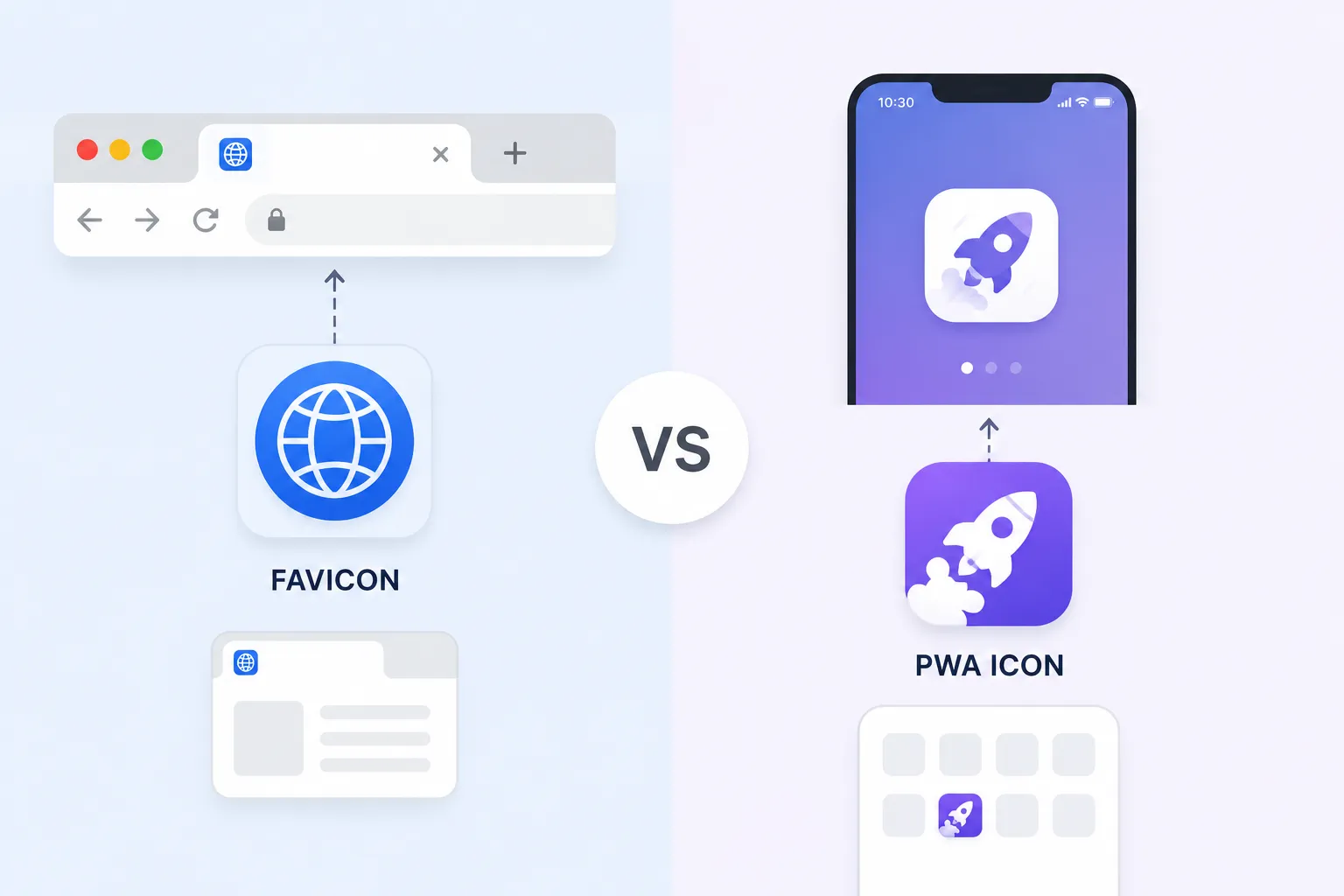
Modern websites need multiple icons for browsers, mobile devices, and Progressive Web Apps (PWAs).
| Icon Type | Size | Format | Usage |
|---|---|---|---|
| favicon.ico | 16x16, 32x32, 48x48 | ICO | Browser tabs, bookmarks |
| favicon.svg | Vector | SVG | Modern browsers |
| apple-touch-icon | 180 x 180 px | PNG | iOS home screen |
| android-chrome | 192 x 192, 512 x 512 | PNG | Android home screen |
| mask-icon | Vector | SVG | Safari pinned tabs |
| mstile | 70x70, 150x150, 310x310 | PNG | Windows tiles |
| PWA icon | 144x144, 192x192, 512x512 | PNG | Progressive Web Apps |
Icon File Formats: When to Use Which
PNG
Best for: iOS, Android, web icons
✅ Lossless, transparency support
❌ Larger file size
SVG
Best for: Web, Android vector
✅ Scalable, tiny file size
❌ Not for iOS native
ICNS
Best for: macOS apps
✅ Container for multiple sizes
❌ macOS only
ICO
Best for: Windows, favicons
✅ Container for multiple sizes
❌ Windows/IE focus
WebP
Best for: Web, Android
✅ Smaller than PNG
❌ Older browser support
Vector Drawable
Best for: Android adaptive icons
✅ Scalable, small, themeable
❌ Android only
Complete Icon Size Checklist
📱 iOS Checklist
- ✓ 1024x1024 (App Store)
- ✓ 180x180 (iPhone 3x)
- ✓ 120x120 (iPhone 2x)
- ✓ 167x167 (iPad Pro)
- ✓ 152x152 (iPad)
- ✓ 87x87 (Settings 3x)
- ✓ 58x58 (Settings 2x)
- ✓ 60x60 (Notifications 3x)
🤖 Android Checklist
- ✓ 432x432 (xxxhdpi adaptive)
- ✓ 324x324 (xxhdpi adaptive)
- ✓ 216x216 (xhdpi adaptive)
- ✓ 192x192 (xxxhdpi legacy)
- ✓ 144x144 (xxhdpi legacy)
- ✓ 512x512 (Play Store)
- ✓ Vector drawable (adaptive)
💻 Web Checklist
- ✓ favicon.ico (16, 32, 48)
- ✓ favicon.svg
- ✓ apple-touch-icon (180)
- ✓ android-chrome (192, 512)
- ✓ mask-icon (SVG)
- ✓ mstile (70, 150, 310)
🖥️ Desktop Checklist
- ✓ macOS .icns (10+ sizes)
- ✓ Windows .ico (16, 32, 48, 256)
- ✓ Linux .png (16, 32, 48, 256)
Frequently Asked Questions
Q: What is the master size for app icons?
Always start with a 1024x1024 or 2048x2048 master image. This allows you to generate all smaller sizes without quality loss. Design in vector format (Illustrator, Figma, Sketch) for best results.
Q: Do I need all these sizes?
Yes! Missing sizes will cause your app icon to appear blurry on some devices or in some contexts. App stores may reject submissions missing required sizes. Use our icon generator to create all sizes automatically.
Q: What's the difference between @2x and @3x?
@2x is for Retina displays (double resolution). @3x is for iPhone Plus/Pro Max models (triple resolution). Provide both for sharp icons on all devices.
Q: Should I use PNG or vector for app icons?
Design in vector (SVG, AI, Figma) but export as PNG for iOS and Android app submissions. For Android adaptive icons, provide vector drawable XML for best results.
Generate All Icon Sizes Instantly
Upload your master image and get all platform-specific icon sizes automatically.
🎨 Generate Icons Now →