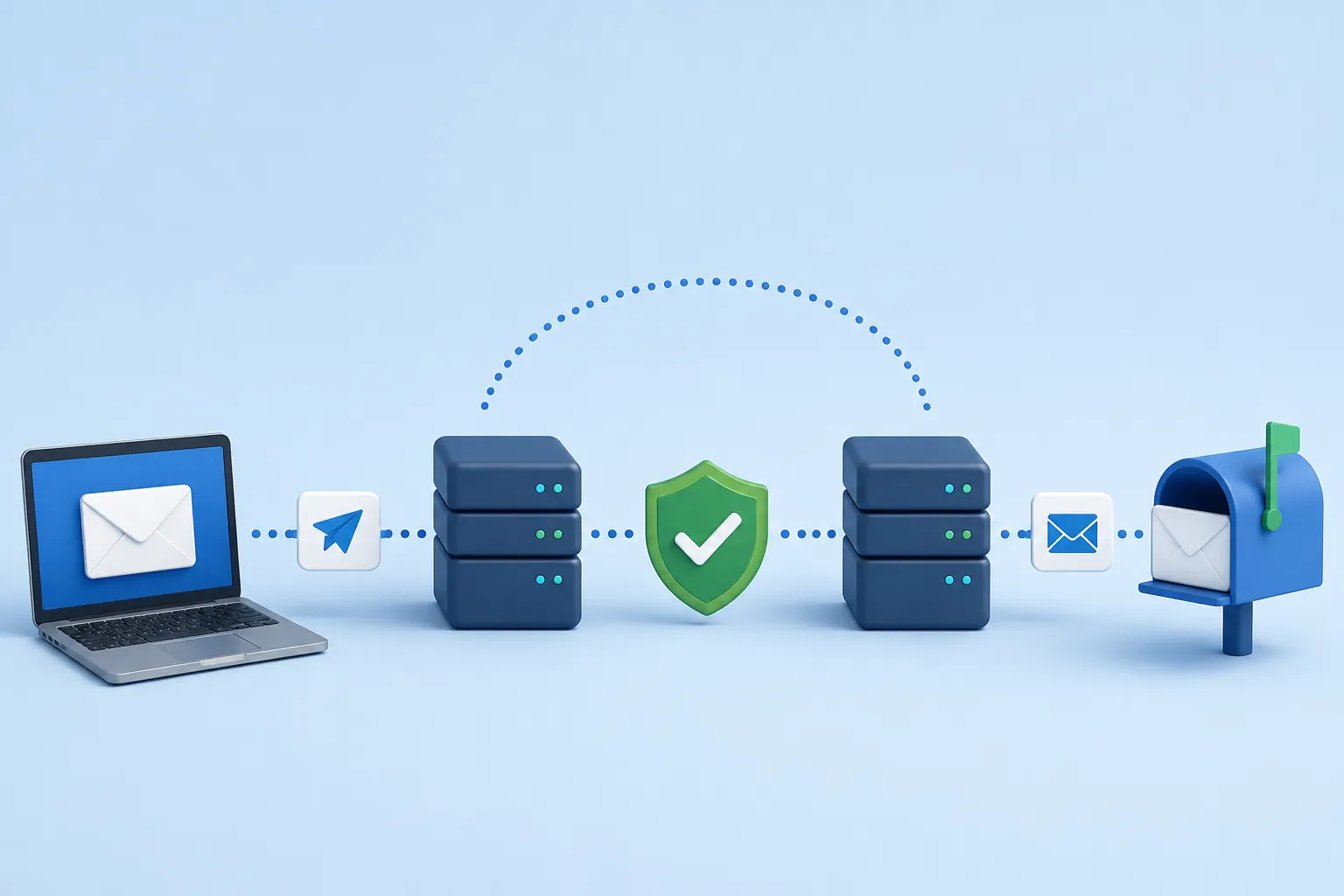
The Registration Problem
If you run a SaaS app or an e-commerce store, you know the pain of users signing up with fake emails (like `test@test.com`) just to poke around your software or steal a discount code. Not only does this bloat your database with garbage data, but it also costs you money. When your system automatically sends onboarding sequences or receipts to those fake emails, they hard bounce, damaging your sender reputation.
The solution is to validate the email address in real-time, right at the point of capture, before the user is even allowed to click the "Submit" button.
Client vs Server Architecture
When integrating a Validation API, you should never put your private API key directly in your frontend React code. If you do, malicious users can steal your key and drain your API credits.
The correct architecture is:
- The user types their email into the React frontend.
- When the user tabs out of the field (the `onBlur` event), the frontend sends the email to your own backend.
- Your backend securely attaches your private API key and forwards the request to the Validation API.
- The response flows back to the frontend to display an error or a green checkmark.
Frontend Implementation (React)
Here is how you handle the validation smoothly without interrupting the user experience. We use the `onBlur` event rather than `onChange` so we don't spam the API on every single keystroke.
import { useState } from 'react';

export default function SignupForm() {
  const [email, setEmail] = useState('');
  const [error, setError] = useState(null);
  const [isValidating, setIsValidating] = useState(false);

  const handleEmailBlur = async () => {
    if (!email) return;

    setIsValidating(true);
    setError(null);

    try {
      // Call YOUR backend, not the API directly
      const res = await fetch(`/api/validate-email?email=${encodeURIComponent(email)}`);
      const data = await res.json();

      if (data.status === 'invalid') {
        setError('This email address does not exist.');
      } else if (data.status === 'disposable') {
        setError('Please use a permanent email address.');
      }
    } catch (err) {
      // Fail open: If the validation fails, let them through anyway
      console.error(err);
    } finally {
      setIsValidating(false);
    }
  };

  return (
    <div>
      <input
        type="email"
        value={email}
        onChange={(e) => setEmail(e.target.value)}
        onBlur={handleEmailBlur}
        placeholder="name@company.com"
      />
      {isValidating && <span>Checking...</span>}
      {error && <div className="error">{error}</div>}
    </div>
  );
}
Backend Implementation (Next.js)
Here is the secure backend route (using Next.js App Router) that actually makes the request to the third-party validation service.
// app/api/validate-email/route.js
import { NextResponse } from 'next/server';

export async function GET(request) {
  const { searchParams } = new URL(request.url);
  const email = searchParams.get('email');

  if (!email) {
    return NextResponse.json({ error: 'Email required' }, { status: 400 });
  }

  try {
    const API_KEY = process.env.VALIDATOR_API_KEY;

    // Call the real validation provider
    const response = await fetch(`https://api.validator.com/v1/check?email=${email}&apikey=${API_KEY}`);
    const data = await response.json();

    return NextResponse.json({
      status: data.result, // 'valid', 'invalid', 'risky'
      isDisposable: data.is_disposable
    });

  } catch (error) {
    // Return a 200 OK with a 'risky' status so the user can still sign up if the API goes down
    return NextResponse.json({ status: 'risky' });
  }
}
Handling Edge Cases (Fail Open)
Notice the `catch` block in both code snippets. This is called Failing Open. If the validation API goes down, times out, or you run out of credits, you do not want to block users from signing up and giving you money. If validation fails for a technical reason, you should assume the email is valid and let the user through.
Additionally, you must decide how to handle "Risky" or "Catch-All" emails. B2B SaaS companies should generally allow Risky emails, as many large corporations use Catch-All servers. Blocking them will cost you enterprise deals.