
The Danger of Bounces
In the world of email marketing, your bounce rate is the canary in the coal mine. A "bounce" occurs when your email cannot be delivered to the recipient. If your bounce rate creeps over 2%, Inbox Service Providers (ISPs) like Gmail, Yahoo, and Outlook will penalize your sender reputation. If it goes above 5%, your Email Service Provider (ESP) like Mailchimp or AWS SES will likely suspend your account entirely.
Here are 10 proven, expert-level strategies to get your bounce rate as close to 0% as possible.
1. Implement Double Opt-in
Single opt-in allows anyone to type any email into your form. Double opt-in requires users to click a confirmation link sent to their inbox before they are officially added to your list. This absolutely guarantees that the email address is real, active, and that the user has access to it. It is the single most effective way to eliminate typo-bounces and malicious bot signups.
2. Clean Your List Regularly (List Decay is Real)
Email databases naturally degrade by about 22.5% every single year. People change jobs, switch ISPs, or abandon old accounts. Don't just keep emailing a 3-year-old list. Use a bulk email validator every 3 to 6 months to purge inactive, misspelled, or dead email addresses.
3. Purge Hard Bounces Instantly
A "hard bounce" means the email address permanently does not exist (e.g., 550 User Unknown). Continuing to email a hard bounce is the fastest way to destroy your sender reputation because it tells ISPs you are a spammer who doesn't respect list hygiene. Ensure your ESP is configured to automatically suppress hard bounces after the very first failure.
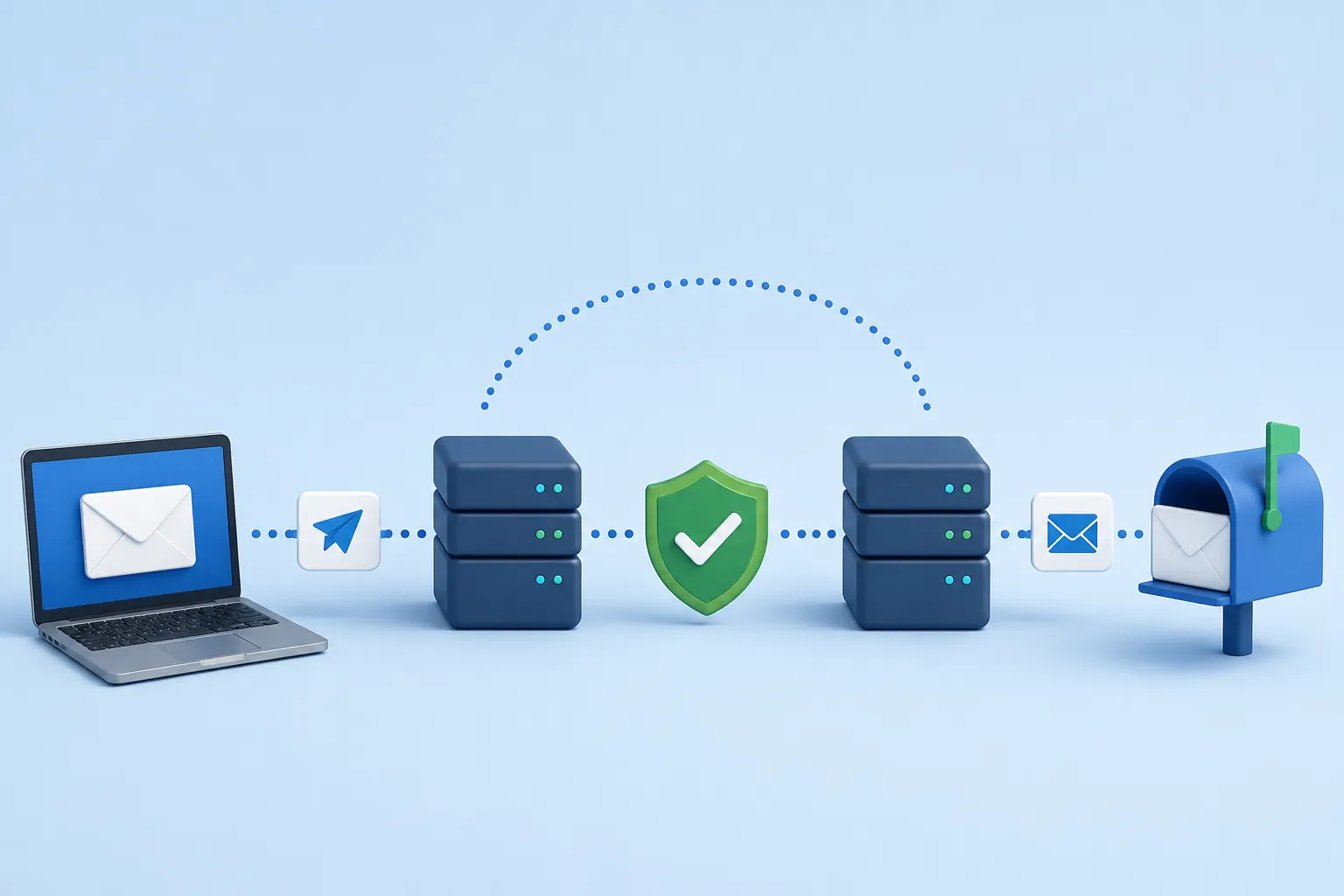
4. Authenticate Your Domain (SPF/DKIM/DMARC)
Bounces aren't always caused by bad email addresses; sometimes they are caused by receiving servers rejecting you. Ensure you have correctly set up:
- SPF (Sender Policy Framework): Specifies which IP addresses are allowed to send mail on your behalf.
- DKIM (DomainKeys Identified Mail): Adds a cryptographic signature to your emails to prevent tampering.
- DMARC: Tells the receiving server what to do if SPF or DKIM fails. (Set this to `p=reject` once fully configured).
5. Sunset Unengaged Subscribers
If someone hasn't opened an email from you in 6 months, stop emailing them. ISPs monitor engagement. If you consistently send mail to people who never open it, ISPs will assume your mail is unwanted and start bouncing it or silently routing it to the spam folder. Implement a "sunset policy" to automatically remove cold subscribers.
6. Never Purchase Email Lists
This cannot be overstated: buying, scraping, or renting email lists is a death sentence for your domain. These lists are riddled with outdated emails (hard bounces) and hidden "Spam Traps" designed specifically to catch spammers. Hitting one spam trap can permanently blacklist your domain globally.
7. Monitor Feedback Loops (FBLs)
Most major ISPs offer Feedback Loops. When a user clicks "Mark as Spam," the ISP sends a notification back to your ESP. You must instantly remove that user from your list. Continuing to email someone who marked you as spam will cause catastrophic bounce and block rates.
8. Warm Up New IPs Properly
If you switch to a new dedicated IP or a new domain, do not instantly send 100,000 emails. ISPs treat new IPs with extreme suspicion and will throttle or bounce your emails. Start by sending 50 emails on day 1, 100 on day 2, and scale up exponentially over 4 weeks.
9. Analyze Your Soft Bounces
A "soft bounce" is a temporary failure (e.g., mailbox full, server temporarily down, message too large). While your ESP will usually retry sending soft bounces, if an email soft bounces 5 times in a row, you should treat it as a hard bounce and remove it.
10. Use Real-Time API Validation
Stop bad data before it even enters your CRM. Integrate an Email Validation API into your signup forms. If a user mistypes `gmail.con`, the API catches it in milliseconds and prompts the user to fix the typo before they click submit.