Understanding Catch-All Servers
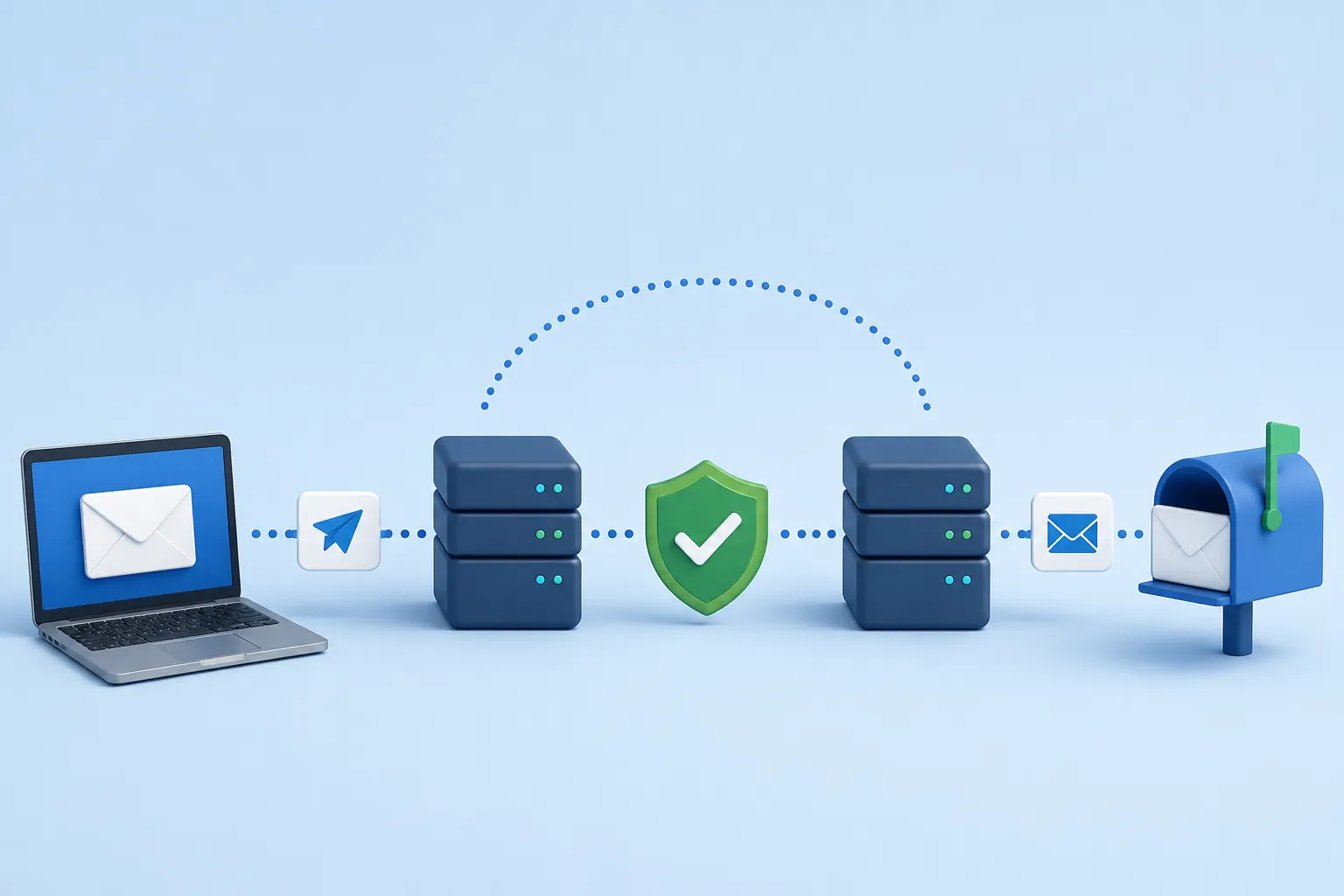
A catch-all (or accept-all) server is an email server configured to accept all incoming emails for a specific domain, regardless of whether the specific mailbox actually exists.
In a normal server configuration, if you send an email to a non-existent user (like `fake.user@company.com`), the server immediately rejects the connection with a `550 User Unknown` error. But on a catch-all server, if you send an email to `absolute.gibberish@company.com`, the server will cheerfully respond with `250 OK` and accept the message.
Why Do Businesses Configure Catch-Alls?
From an IT and operational perspective, catch-all configurations are highly beneficial for businesses, particularly in the B2B space:
- Preventing Lost Leads: If a potential client tries to email the CEO but makes a typo (e.g., `johnd@company.com` instead of `j.doe@company.com`), the company does not want to lose that multi-thousand dollar lead. The catch-all server catches the typo and routes it to a human administrator to sort out.
- Legacy Addresses: When employees leave, businesses don't want to maintain hundreds of legacy aliases. A catch-all ensures emails to ex-employees still reach the company.
- Role-Based Flexibility: It allows employees to give out contextual emails like `billing-vendorX@company.com` on the fly without IT needing to provision new aliases.
Why Are They 'Risky' for Marketers?
Catch-all domains are the bane of email validation tools. When an email validator pings a catch-all server to ask "Does john.doe@company.com exist?", the server lies and says "Yes, I'll take that email."
Because of this configuration, it is mathematically impossible for any email validation tool in the world to guarantee that the specific employee you are trying to reach actually exists. Therefore, reputable validators mark these emails as Risky or Accept-All.
If you email a list full of catch-alls, the server will accept the emails, realize later that the users don't exist, and silently drop the emails into a black hole (or worse, flag your IP for spamming non-existent directories). This tanks your engagement rates and damages your sender reputation.
How Should You Handle Catch-Alls?
Should you delete "Risky" catch-all emails from your list? Not necessarily. Here is the best practice:
- Segment Them: Separate catch-all emails into their own list.
- Drip Feed: Do not email them all at once. Mix a small percentage of catch-alls into campaigns sent to highly engaged, known-valid users. This dilutes the risk.
- Track Engagement: If a catch-all email actually opens or clicks a link, you now have proof the human exists! Move them to your "Valid" list immediately.
- Aggressive Sunsetting: If a catch-all doesn't open an email after 3-4 attempts, delete them. Do not keep trying.