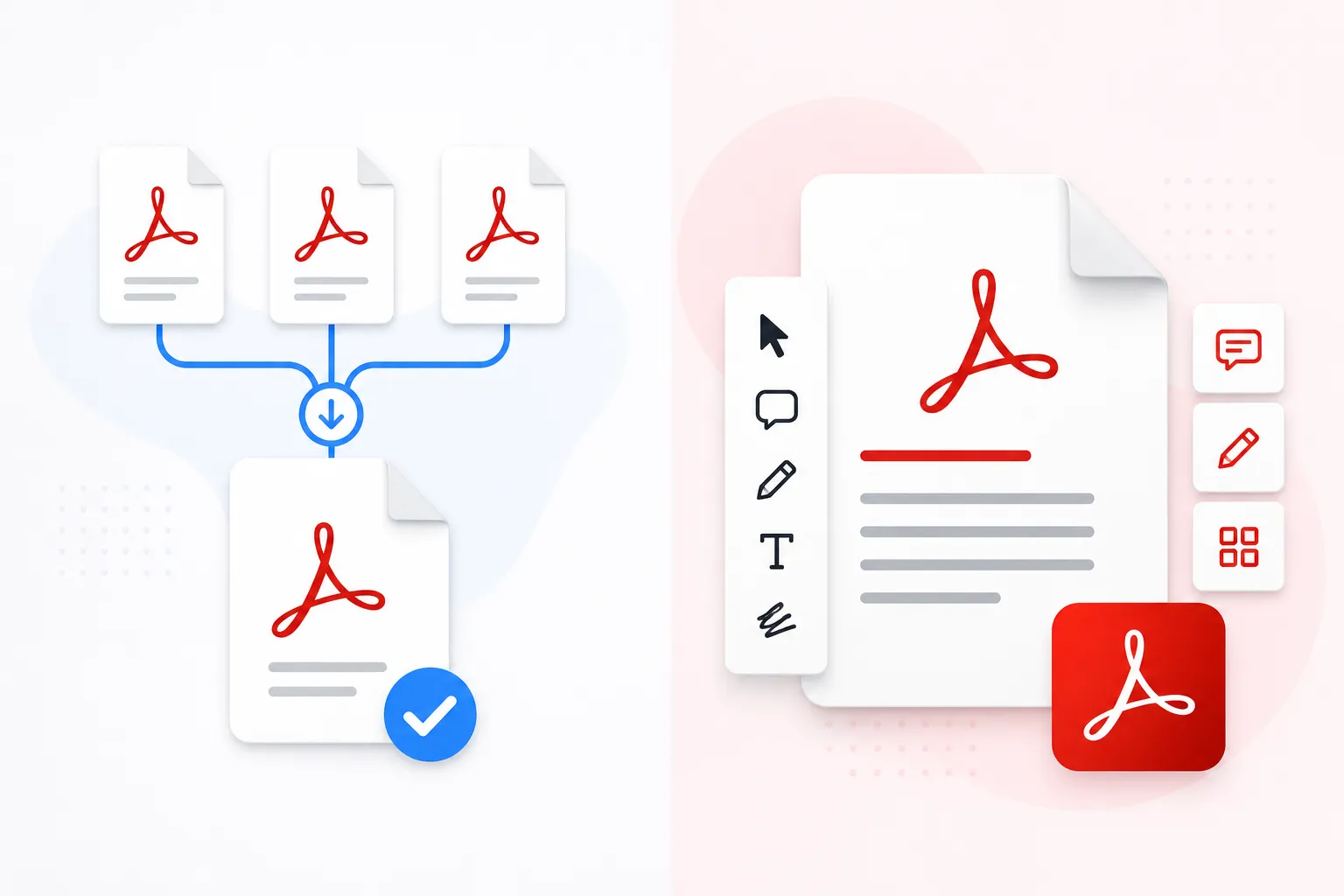
Introduction to PDF Tools
In today's digital workplace, PDFs are everywhere. Whether you're a student, business professional, or creative, having the right PDF tools can dramatically improve your productivity. This comprehensive guide covers the 15 essential PDF tools that every professional needs in 2025.
📊 Market Statistics
The global PDF software market is expected to reach $20.5 billion by 2030, growing at 13.8% annually. PDFs remain the most trusted document format for business communication.

1. PDF Merger - Combine Multiple Documents
A PDF merger is essential for combining multiple PDFs into a single document. Perfect for:
- Combining monthly reports into quarterly summaries
- Merging scanned documents from multiple sources
- Creating comprehensive proposals from individual sections
- Consolidating research papers into a single reference document
Key Features to Look For: Drag-and-drop interface, page reordering, preview before merge, compression options, and client-side processing for privacy.
2. PDF Compressor - Reduce File Size Smartly
Email servers often reject large files. A good PDF compressor reduces file size while maintaining acceptable quality.
- Typical reduction: 40-80% depending on content
- Best for: Email attachments, web uploads, cloud storage
- Compression types: Lossless (no quality loss), Smart (balanced), Maximum (aggressive)
💡 Pro Tip
For email attachments, aim for under 10MB. Most professionals use smart compression as it provides the best balance of size and quality.
3. PDF Editor - Modify Content Directly
The ability to edit PDF content directly saves countless hours of rework. Modern PDF editors let you:
- Change text without converting to Word
- Move, resize, or delete images
- Add or remove pages
- Update links and interactive elements
- Redact sensitive information
4. PDF Converter - Format Flexibility
A PDF converter lets you transform PDFs to and from various formats:
5. PDF Splitter - Extract Specific Content
Sometimes you only need certain pages from a large PDF. A splitter helps you:
- Extract specific pages or ranges
- Split by page count (every 5 pages, etc.)
- Separate based on bookmarks or sections
- Remove unwanted pages before sharing
6. PDF Rotator - Fix Page Orientation
Scanned documents often come with pages in the wrong orientation. A rotator lets you:
- Rotate individual pages (90°, 180°, 270°)
- Apply rotation to all pages at once
- Save permanently orientation changes
7. Password Protector - Secure Your Documents
Security is paramount for sensitive documents. Password protection tools offer:
- User password: Required to open the document
- Owner password: Restricts printing, copying, editing
- 256-bit AES encryption: Military-grade security
⚠️ Security Alert
Always use strong passwords (12+ characters with mix of letters, numbers, and symbols). Never share passwords via email or unsecured channels.
8. PDF Annotator - Add Comments & Notes
Collaboration features are essential for team work. Annotation tools include:
- Highlighting text in various colors
- Adding sticky notes and comments
- Drawing shapes and freehand markup
- Stamping with standard or custom stamps
- Measuring distances and areas (for technical docs)
9. Digital Signer - Electronic Signatures
Digital signatures have legal validity in most countries. Features include:
- Create and save signature images
- Draw, type, or upload signature
- Add signature fields anywhere on PDF
- Request signatures from multiple parties
- Certificate-based signatures for legal compliance
10. OCR Tool - Extract Text from Scans
OCR (Optical Character Recognition) converts scanned images into searchable text:
- Supports 100+ languages
- Preserves original layout and formatting
- Creates searchable PDFs
- Ideal for archiving paper documents
📝 OCR Accuracy Tips
For best OCR results, ensure scans are at 300 DPI or higher, straight alignment, and good contrast between text and background.
11. Watermark Remover
Remove unwanted watermarks from PDFs (only for documents you own):
- Remove text watermarks
- Remove image watermarks
- Batch processing multiple files
12. PDF Organizer
Keep your PDF library structured and findable:
- Add and edit metadata (author, title, keywords)
- Create custom tags and categories
- Merge related documents
- Archive old documents
13. Bulk PDF Processor
Save time by processing multiple PDFs simultaneously:
- Apply same operation to 100+ files
- Schedule automated tasks
- Watermark multiple documents at once
- Convert entire folders
14. PDF Comparator
Find differences between two PDF versions:
- Visual highlighting of changes
- Text comparison and redlining
- Image difference detection
- Essential for contract review
15. Advanced PDF Viewer
Modern PDF viewers offer more than just opening files:
- Dark mode for comfortable reading
- Continuous or single-page scrolling
- Bookmark creation and management
- Search across multiple PDFs
- Read aloud with text-to-speech
🎯 Recommended PDF Toolkit for Professionals
Based on your workflow, we recommend starting with these essential tools:
Comparison: Free vs Premium PDF Tools
| Feature | Free Tools | Premium Tools |
|---|---|---|
| File size limit | Usually 50MB | Unlimited |
| Processing speed | Good | Very Fast |
| Privacy | Client-side (our tool) | Local + Cloud options |
| Watermarks | None (our tool) | None |
| Batch processing | Limited | Full |
| Price | $0 | $10-30/month |
For most professionals, free tools like our PDF Merger handle 90% of daily needs. Premium tools are worth considering if you process hundreds of PDFs daily or need advanced features like OCR and digital certificates.