The Growing Privacy Crisis
In an era of increasing data breaches and privacy concerns, understanding where and how your documents are processed is more important than ever. This guide explains why client-side PDF processing is the safest way to merge your PDF documents.
⚠️ Shocking Statistics
- 83% of organizations have experienced more than one data breach
- Average cost of a data breach: $4.45 million (IBM 2024)
- 60% of small businesses close within 6 months of a cyber attack
- Document upload services are prime targets for hackers

Major Risks of Uploading PDFs to Online Servers
When you upload documents to traditional online PDF tools, you're exposing yourself to multiple security risks:
Data Interception
Files can be intercepted during upload if not using proper encryption
Server Breaches
Hackers target servers storing user documents
Unauthorized Access
Employees of PDF services could view your data
Data Mining
Some free services analyze uploaded documents for marketing
🚨 Real-World Example
In 2023, a popular online PDF tool suffered a data breach exposing over 3 million user documents including contracts, medical records, and financial statements.
Client-Side Processing Explained
Client-side processing means that all file operations happen directly in your web browser, without any data being sent to external servers.
How it works:
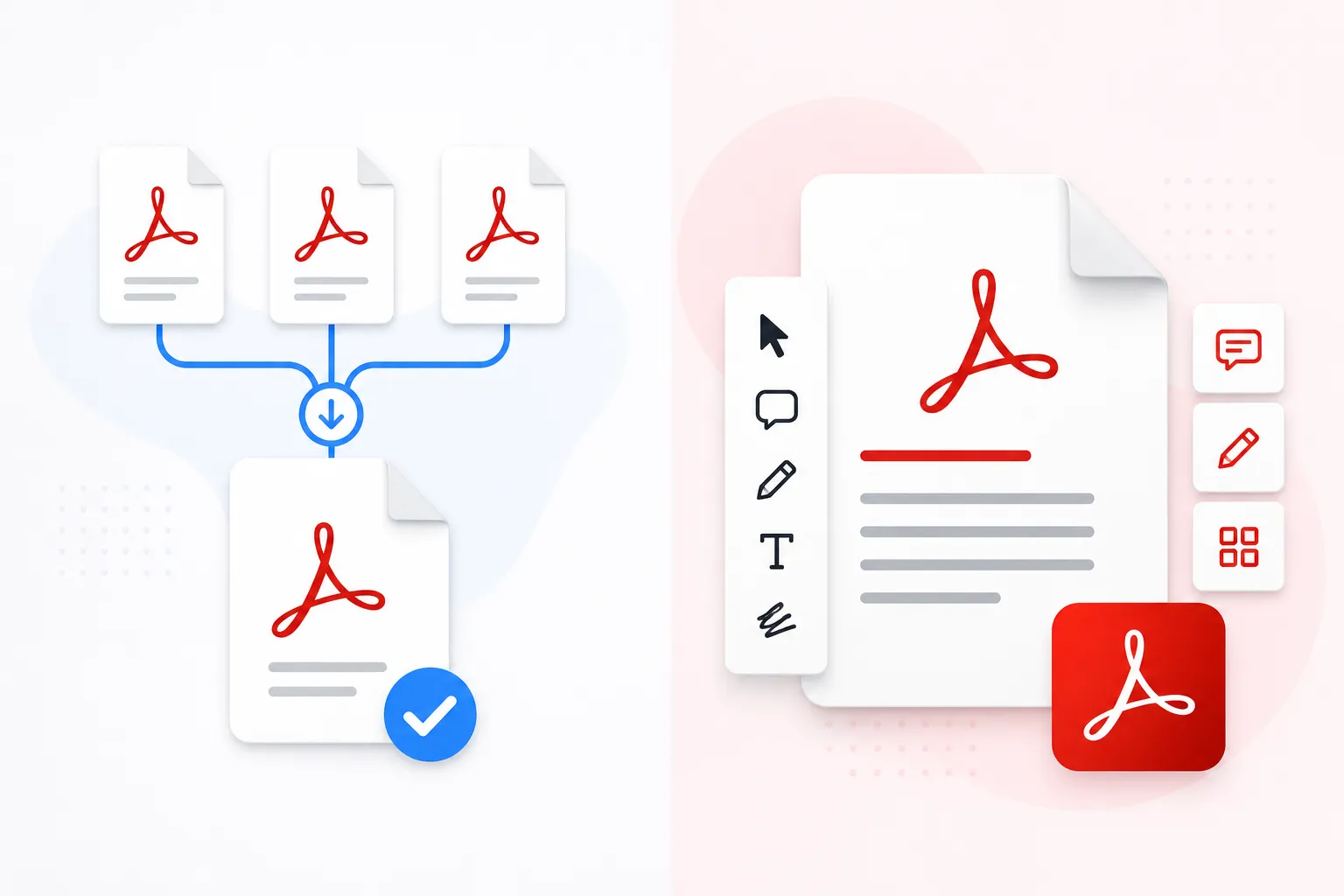
- Local Loading: You select PDFs from your computer
- Browser Processing: JavaScript and WebAssembly handle the merging
- Local Download: The merged file is created and downloaded to your device
- Zero Upload: No data ever leaves your computer
🔒 The Privacy Guarantee
With client-side processing, your files NEVER leave your device. Not even we can access your documents. True end-to-end privacy.
How Local PDF Merging Works (Technical Overview)
Modern browsers have powerful capabilities that make client-side PDF processing possible:
- WebAssembly (WASM): Allows near-native performance for PDF processing
- File API: Reads local files without uploading
- Blob API: Creates downloadable files directly in browser
- PDF.js: Mozilla's PDF rendering engine runs entirely in browser

Perfect for These Sensitive Document Types
Client-side PDF merging is ideal for processing confidential documents:
Comparison: Local Processing vs Cloud Processing
| Security Aspect | Local Processing | Cloud Processing |
|---|---|---|
| Data leaves your device | ❌ No | ✓ Yes |
| Server storage risk | ❌ None | ✓ Significant |
| Upload interception risk | ❌ None | ✓ Possible |
| Third-party access | ❌ Impossible | ✓ Possible |
| Internet required | ✓ Initial load only | ✓ Always |
| Processing速度 | ✓ Very Fast | ⚠️ Variable |
Security Best Practices for Document Processing
Follow these guidelines to maximize your document security:
- Always use client-side tools for sensitive documents
- Verify privacy policies before using any online tool
- Use password protection for sensitive merged files
- Delete local files after confirming successful merge
- Keep software updated - browsers and security patches
- Use a VPN when processing documents on public Wi-Fi
- Enable two-factor authentication on cloud storage
- Regular security audits of document workflow
✅ Our Commitment to Your Privacy
Our PDF merger is designed with privacy as the #1 priority:
- ✓ 100% client-side processing - files never leave your device
- ✓ No server uploads - no data storage of any kind
- ✓ No tracking or analytics on your document data
- ✓ Open source components for full transparency
- ✓ No registration or email required
When it comes to your documents, especially sensitive ones, the safest option is always local processing. Our PDF merger gives you professional results without compromising your privacy. Try it today - your files stay on your device, always.