
PDF Merger
Combine PDFs · Free · Private
How It Works
Merge PDFs in 4 simple steps
Upload
Drag & drop or click to upload PDF files
Reorder
Arrange PDFs in the order you want
Settings
Choose compression options
Merge
Click merge and download your combined PDF
100% Private & Secure — All PDF processing happens in your browser. Your files never leave your device.
Drop PDFs or click to browse
PDF files only · Max 1GB each · Up to 5 files
Settings
Reduce final PDF file size
Ready to merge
0 PDFs • 0 pages • 0 B
Why Choose Our PDF Merger?
Trusted by thousands of users worldwide
100% Private & Secure
All processing happens in your browser. Your files never leave your device. No upload, no servers, complete privacy.
Lightning Fast
Merge PDFs in seconds. No waiting in queues. Instant processing with our optimized PDF engine.
No Registration
Use our tool instantly without creating an account. No email, no signup, no hidden fees.
High Quality Output
Preserve original quality with optional compression. Get professional results every time.
Batch Processing
Merge up to 50 PDFs at once. Perfect for large documents and bulk operations.
Works Anywhere
Use on any device - desktop, tablet, or mobile. No software installation needed.
Powerful Features You'll Love
Everything you need to merge PDFs professionally
Merge Unlimited PDFs
Combine as many PDF files as you need. No limits on number of files.
Preserve Formatting
Maintain original layout, fonts, images, and formatting perfectly.
Custom Page Order
Drag and drop to reorder pages before merging. Full control over final document.
Smart Compression
Reduce file size while maintaining excellent quality with our compression algorithm.
Preview Before Merge
See thumbnails of all pages before finalizing the merge operation.
Instant Processing
No waiting queues. Process files instantly with our optimized engine.
What Our Users Say
Trusted by professionals worldwide
Sarah Johnson
Graphic Designer
"This PDF merger saved me hours of work! The drag-and-drop interface is so intuitive, and the compression works perfectly."
Michael Chen
Business Owner
"Best free PDF merger I've found. No watermarks, no limits, and it's actually fast. Highly recommended!"
Emily Rodriguez
Legal Assistant
"I merge legal documents daily and this tool is a lifesaver. Secure, private, and produces perfect results every time."
David Kim
Student
"Perfect for combining lecture notes and research papers. The reorder feature is super helpful!"
Latest Articles & Guides
Expert tips and tutorials for PDF management

How to Merge PDF Files Without Losing Quality: Complete Guide 2025
Learn proven techniques to merge PDF files while preserving original quality, resolution, and formatting. Complete guide with tips and best practices.

Top 15 PDF Tools Every Professional Needs in 2025: Complete Guide
Discover the 15 essential PDF tools every professional needs in 2025. From merging to editing, security to conversion - complete guide with comparisons.
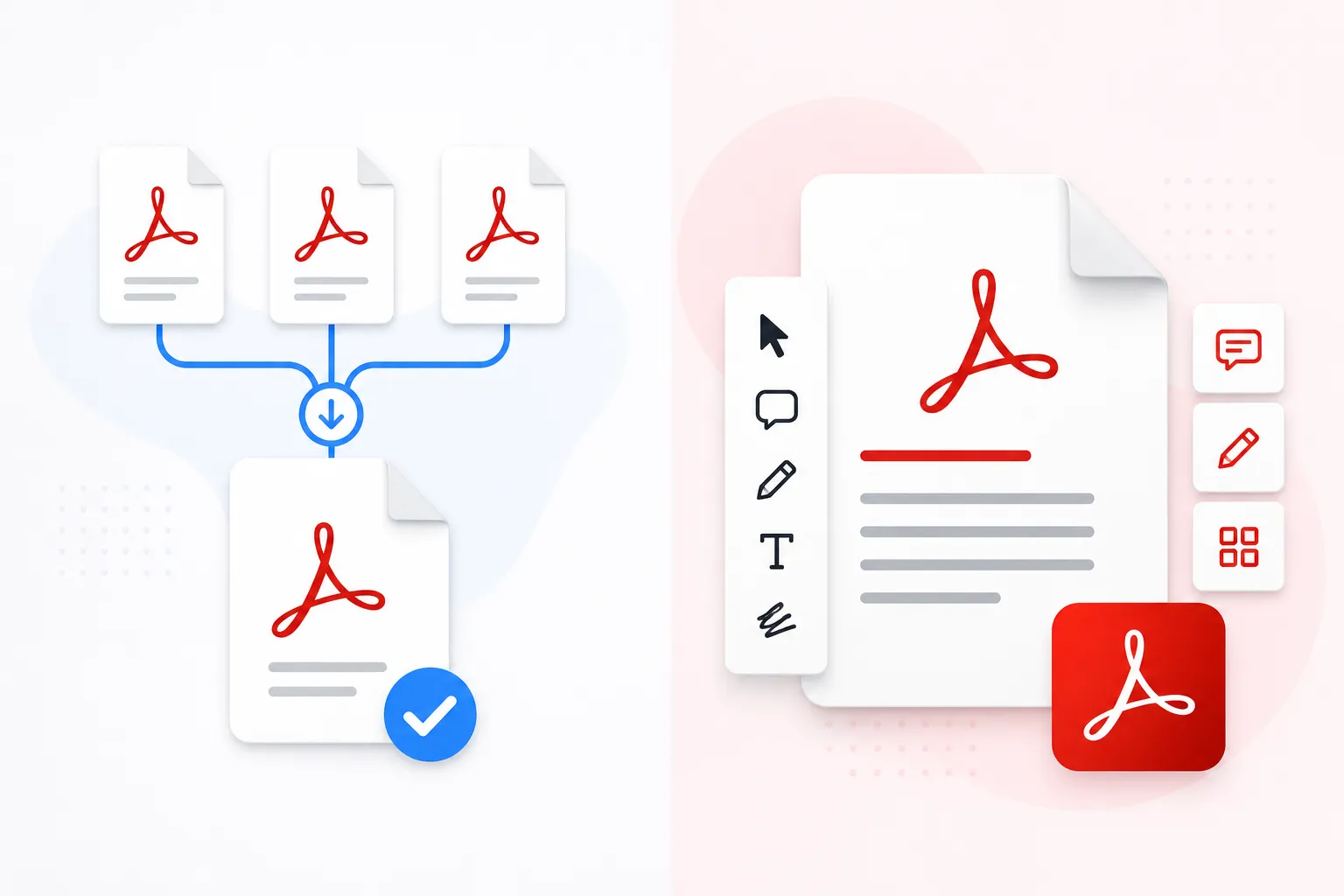
PDF Merger vs Adobe Acrobat: Ultimate Comparison Guide 2025
Compare features, pricing, privacy, and performance between free online PDF mergers and Adobe Acrobat. Find out which is right for you.

Why Merge PDFs Locally? Complete Privacy & Security Guide 2025
Understanding the critical security advantages of client-side PDF processing. Learn why local merging keeps your confidential documents completely private.
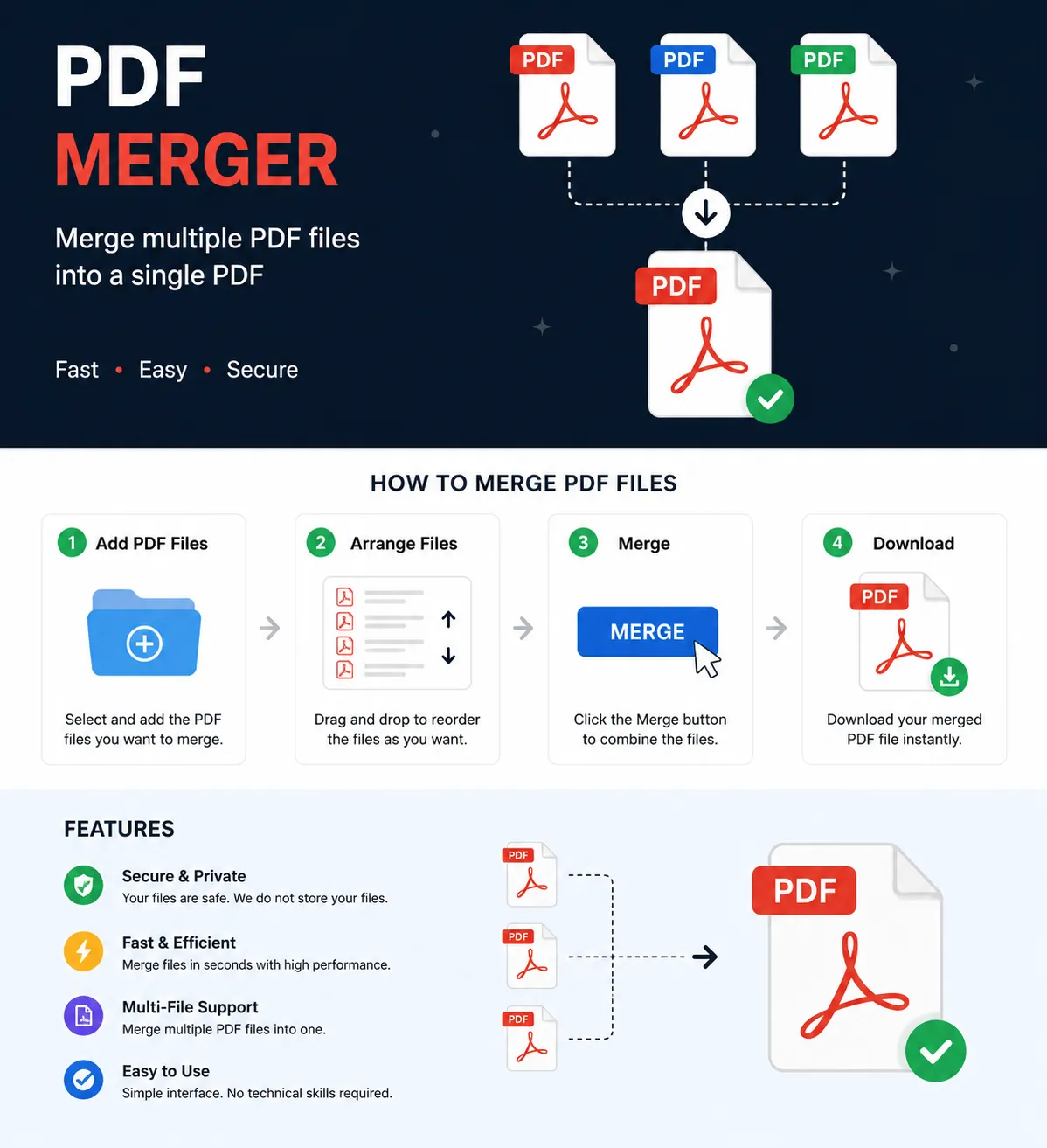
PDF Merger Guide for Beginners: Everything You Need to Know
Never merged a PDF before? No problem. This comprehensive guide will take you from beginner to pro in no time with step-by-step instructions.
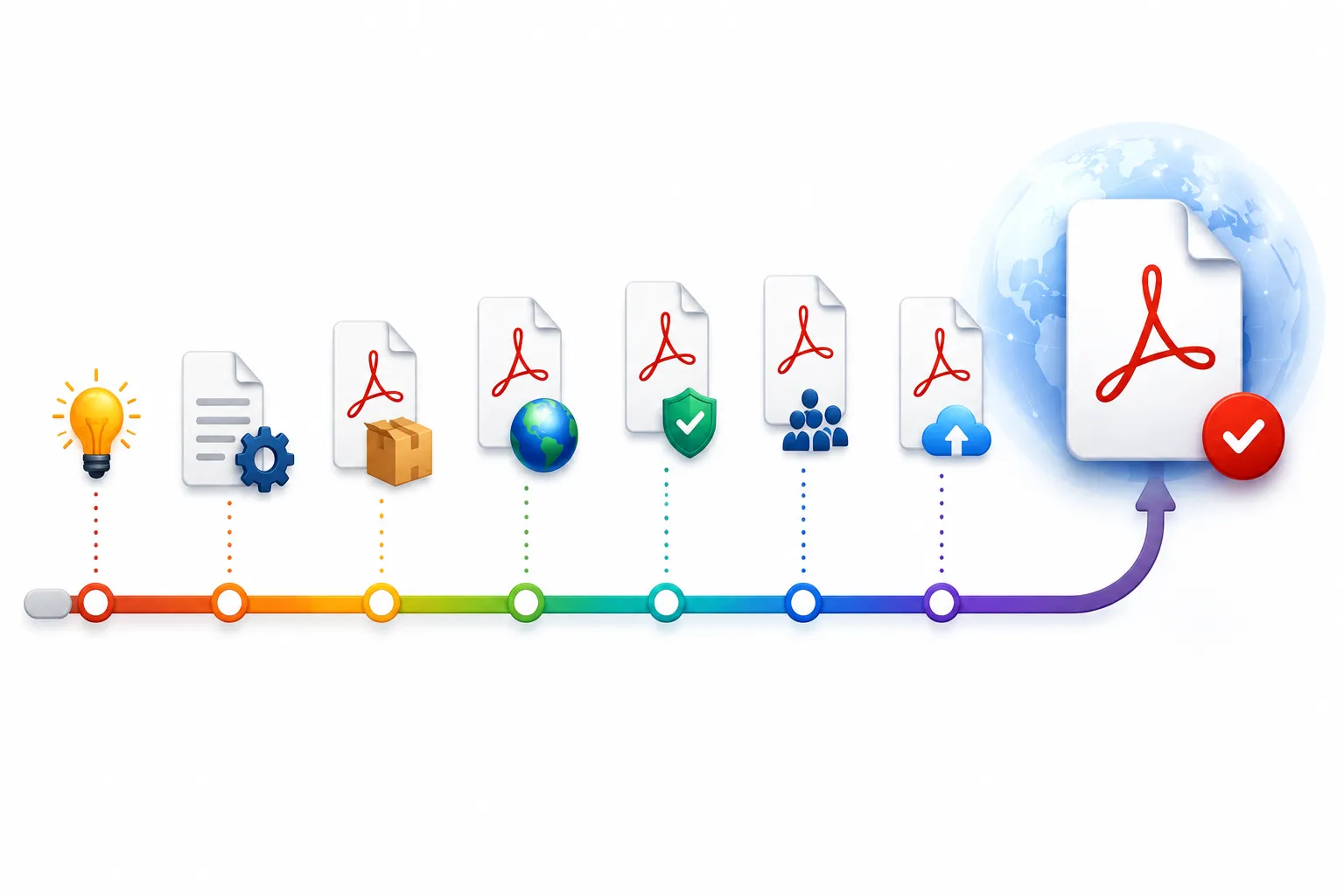
History of PDF Format: From Invention to Today
Explore the fascinating history of PDF format, how it revolutionized document sharing, and what the future holds for digital documents.
Free PDF Resources
Get our complete guide to PDF management
Trusted & Verified
Your security is our priority
Frequently Asked Questions
Everything you need to know about our PDF merger
Loading Related PDF Tools...