
Image Pixelator
Pixelate Images · Free · Private
Original Image
Select area to pixelate by dragging or resizing the rectangle
Drag & drop an image or click to upload
Supports JPG, PNG, WebP, etc.
Pixelated Result
Preview and download your pixelated image
Pixelated preview
Will appear here after processing
Pixelation Settings
Configure pixel size and area
Pixel Size
Tip: Larger pixel sizes (20-30px) work best for face privacy protection.
Current Settings
Quick Presets
Examples

Pixelate Tea Cup Area
Pixelate a 200x200 area over tea cup with 25px pixel size
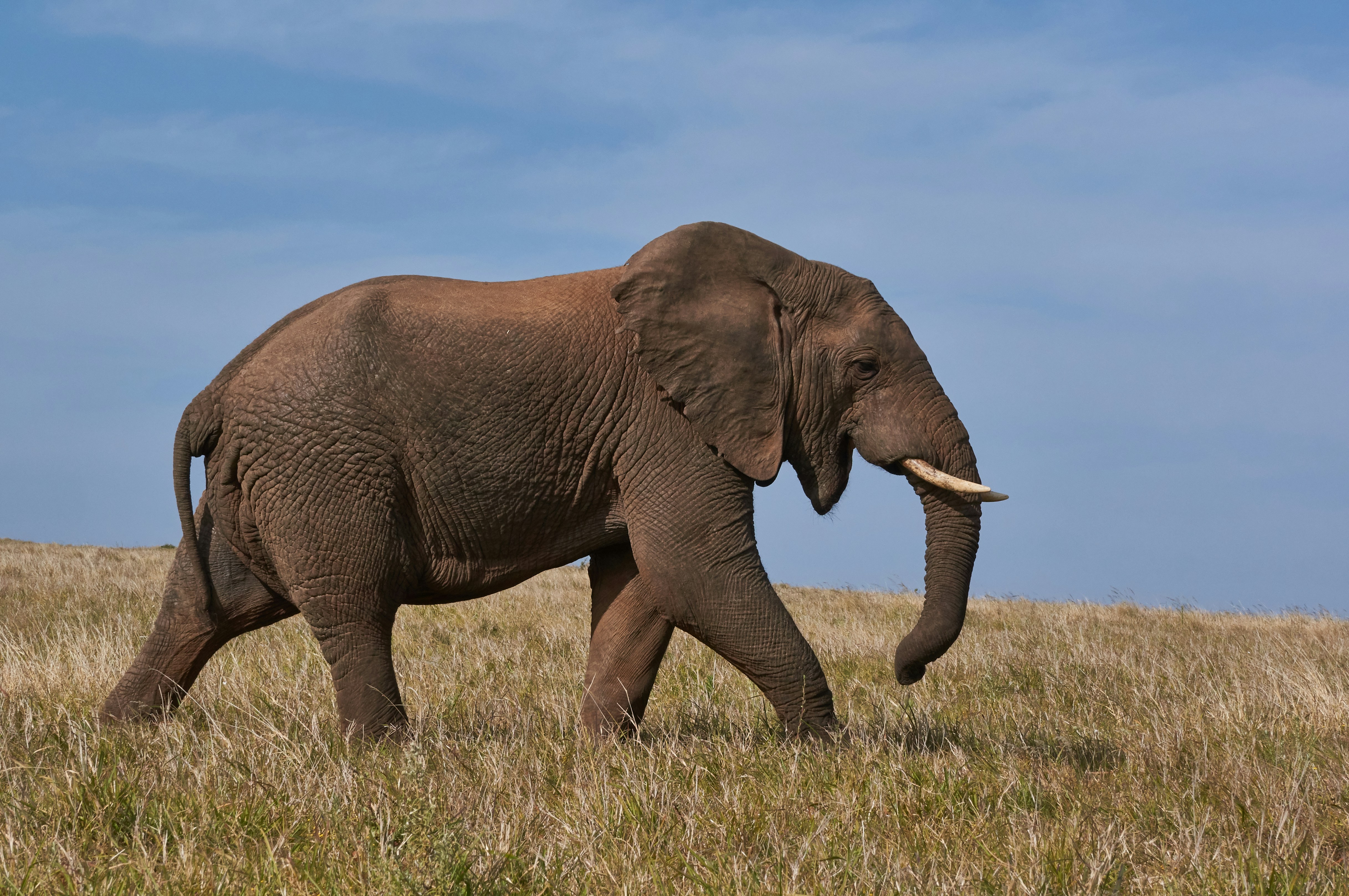
Pixelate Entire Elephant Image
Pixelate entire image with 5px pixel size

Minecraft Cherry Blossom
Pixelate 180x186 area for Minecraft effect with 10px strength
Censor Information
Pixelate sensitive information in documents
Click any example to load and modify the settings
Statistics
Why Choose Our Image Pixelator?
Trusted by thousands of users worldwide
100% Private & Secure
All pixelation processing happens locally in your browser. Your images never leave your device. No upload, no servers, complete privacy for sensitive images.
Lightning Fast
Pixelate images in seconds. No waiting in queues. Instant processing with our optimized WebAssembly engine.
No Registration
Use our tool instantly without creating an account. No email, no signup, no hidden fees.
Adjustable Pixel Size
Customize pixelation strength from 1-50px. Fine-tune the effect for perfect privacy protection or artistic style.
Precise Area Selection
Select any rectangular area to pixelate. Move, resize, and adjust with drag-and-drop or numeric controls.
Works Anywhere
Use on any device - desktop, tablet, or mobile. No software installation needed.
Powerful Features You'll Love
Everything you need to pixelate images professionally
Adjustable Pixel Size
Choose pixel size from 1 to 50 pixels. Fine control for subtle to extreme pixelation effects.
Custom Area Selection
Select any rectangular area to pixelate. Perfect for hiding faces, license plates, or sensitive text.
Entire Image Pixelation
Pixelate the whole image with one click. Great for retro gaming aesthetics or complete privacy.
Zoom & Precise Control
Zoom in up to 300% for pixel-perfect rectangle placement. Ensure you never miss a detail.
Multiple Download Formats
Download as PNG (lossless, transparency) or JPEG (smaller file size). Choose what works for you.
Real-Time Preview
See pixelation updates instantly as you adjust settings. No waiting, no loading.
What Our Users Say
Trusted by professionals worldwide
Sarah Johnson
Content Creator
"This pixelator saved me hours of work! The face pixelation is perfect for my YouTube videos, and the rectangle tool makes it super easy to hide sensitive info."
Michael Chen
Privacy Advocate
"Best free pixelation tool I've found. No watermarks, no uploads, and it's actually fast. Perfect for anonymizing street photography."
Emily Rodriguez
Legal Assistant
"I pixelate documents daily for client confidentiality. This tool is a lifesaver - secure, private, and produces perfect results every time."
David Kim
Game Developer
"Perfect for creating retro pixel art effects! The adjustable pixel size gives me complete control over the aesthetic."
Lisa Wong
Photographer
"Great for anonymizing subjects in street photography. The local processing means my images stay private on my device."
Thomas Brown
Social Media Manager
"Fast, easy, and free! I use this daily to pixelate usernames and faces before posting screenshots. Highly recommended!"
Latest Articles & Guides
Expert tips and tutorials for image pixelation & privacy

How to Pixelate Faces in Photos: Complete Privacy Protection Guide 2026
Learn professional techniques to pixelate faces in photos for social media, street photography, and privacy protection. Complete guide with 5 methods, step-by-step tutorials, and best practices.

How to Pixelate License Plates for Street Photography & Privacy
Professional guide to anonymizing vehicle plates in your street photography projects for privacy compliance.

Create Retro Pixel Art from Your Photos: Complete Tutorial
Transform any photo into retro video game style pixel art with the right pixelation settings and techniques.

GDPR Compliant Image Pixelation: Best Practices for Businesses
Learn how to properly anonymize images for GDPR compliance in your business, marketing, and research.
Trusted & Verified
Your security is our priority
Frequently Asked Questions
Everything you need to know about pixelating images & privacy protection
Loading Related Image Tools...